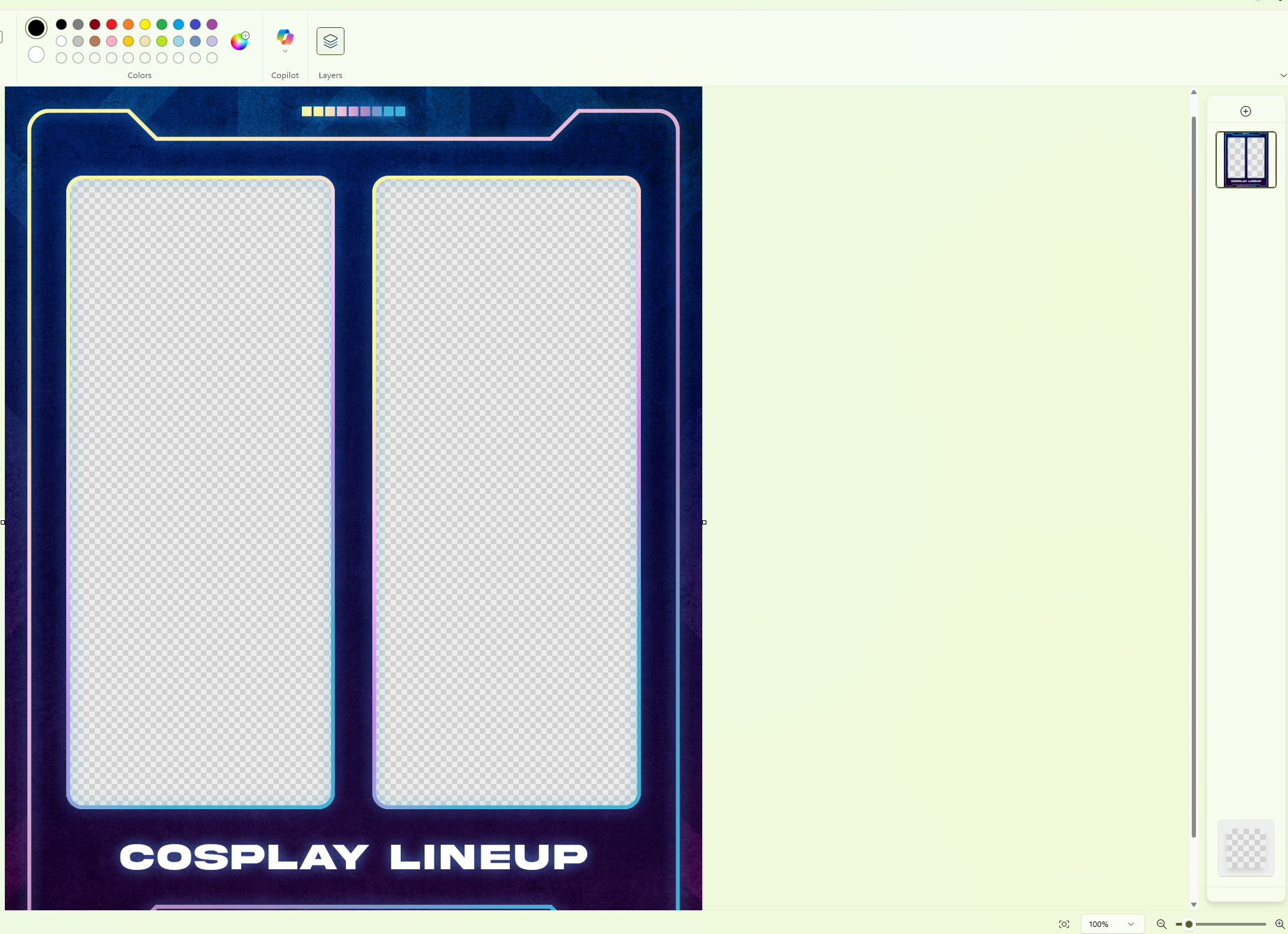
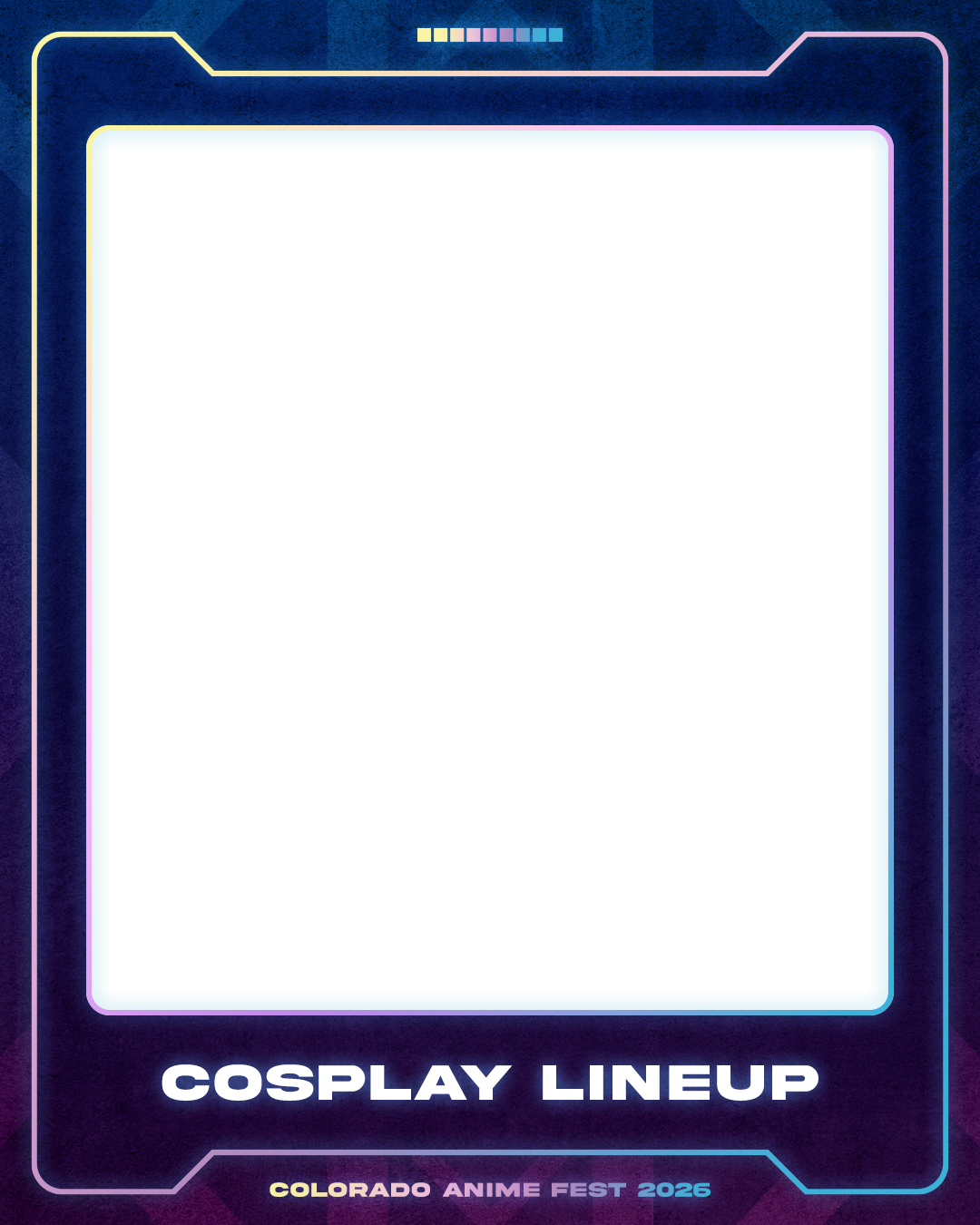
Cosplay Lineup Templates
Whether you’re bringing a single cosplay, or the whole closet of 25, please feel free to use these templates and share on social media. Tag #COAF2026 for a chance to have yours features and shared on our social media! See the bottom of the page for a quick tutorial on using transparent frames to get that real nice look!
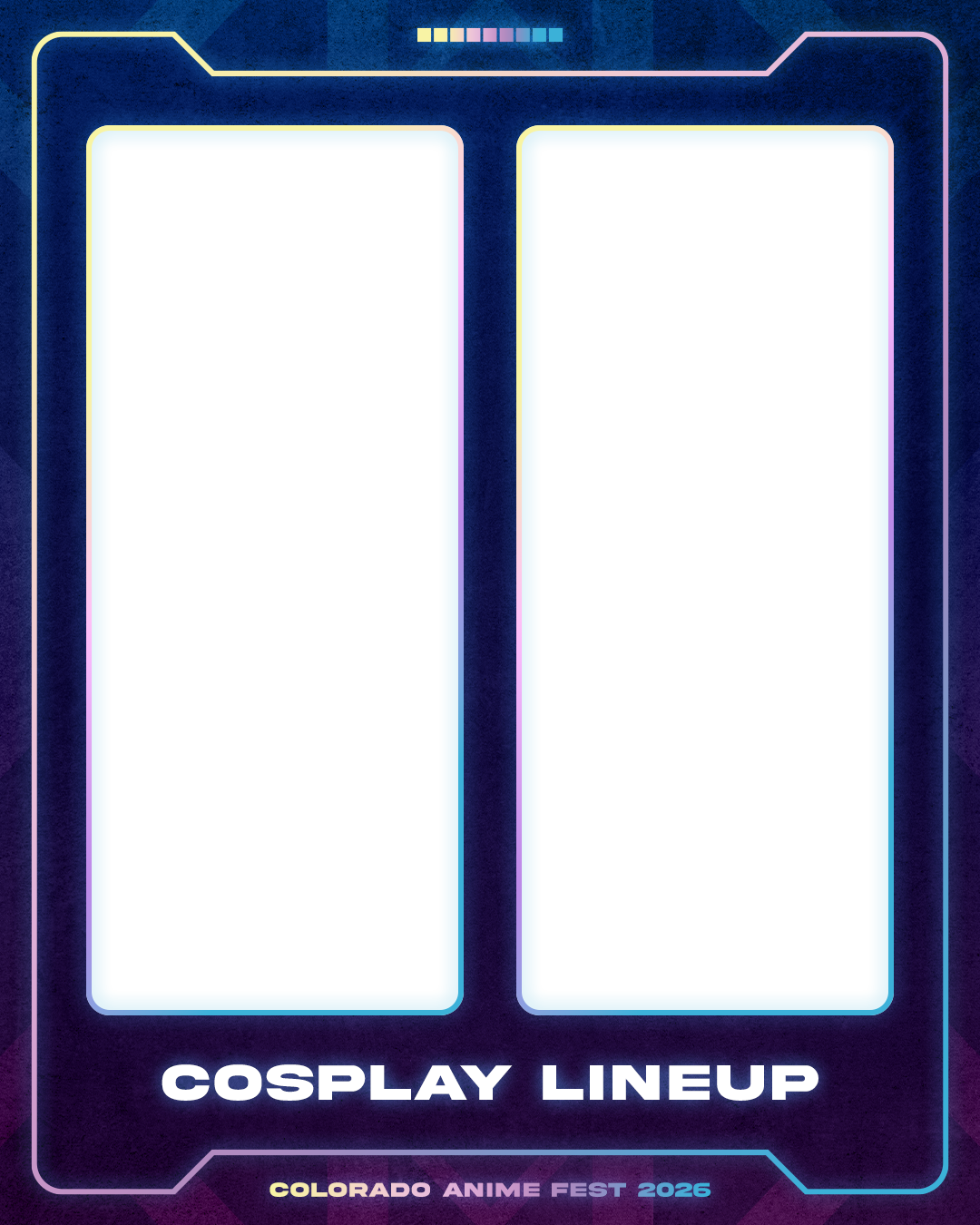
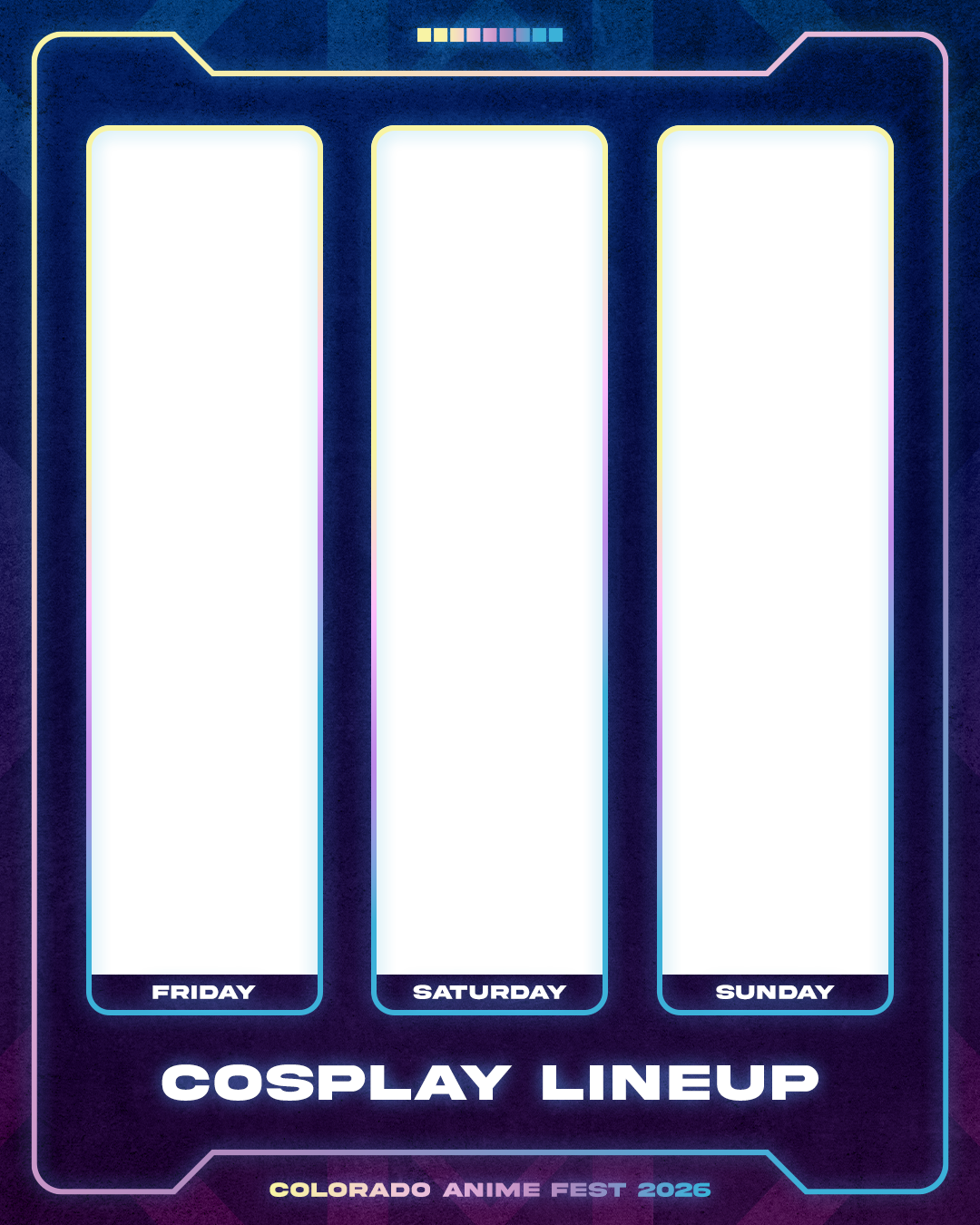
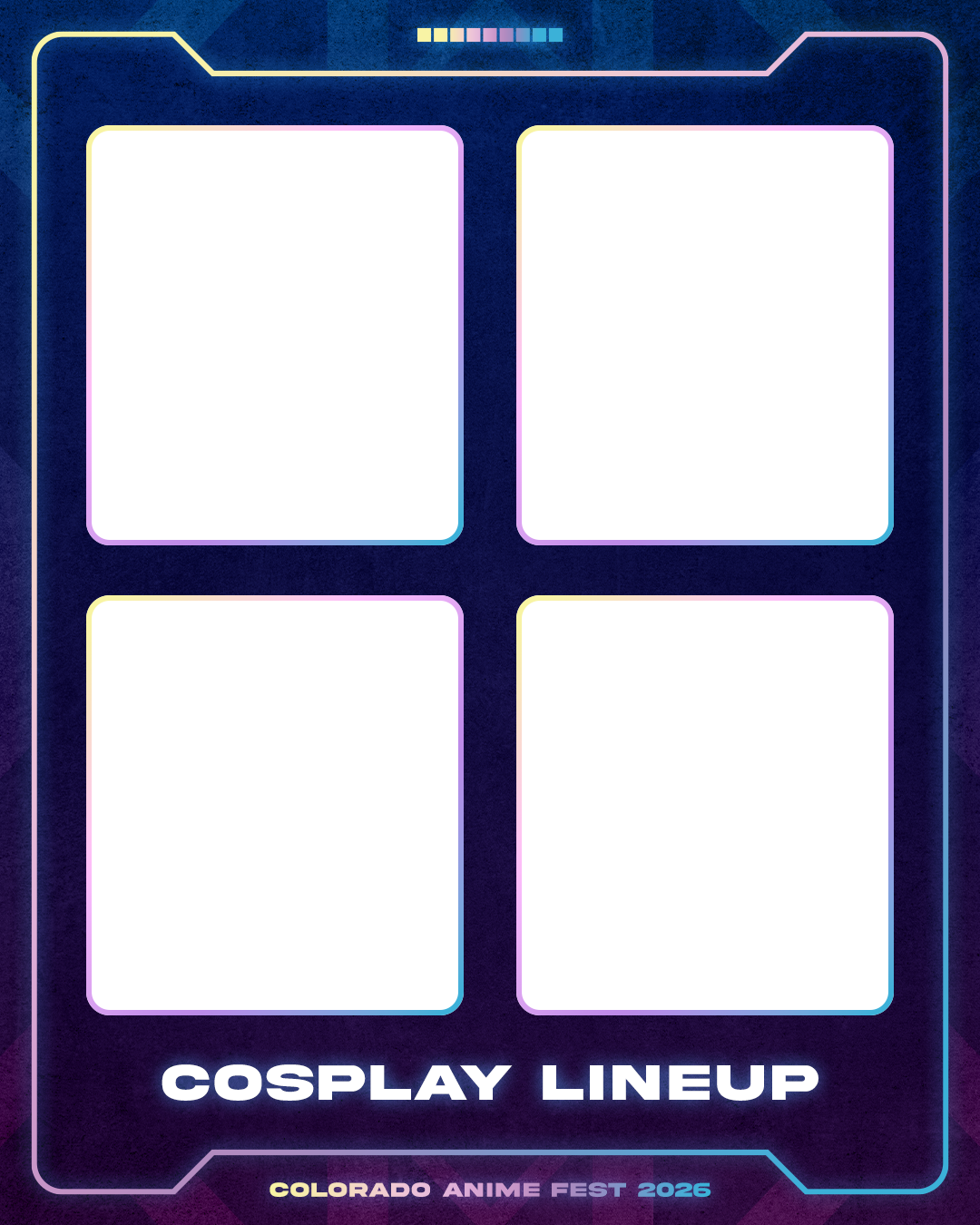
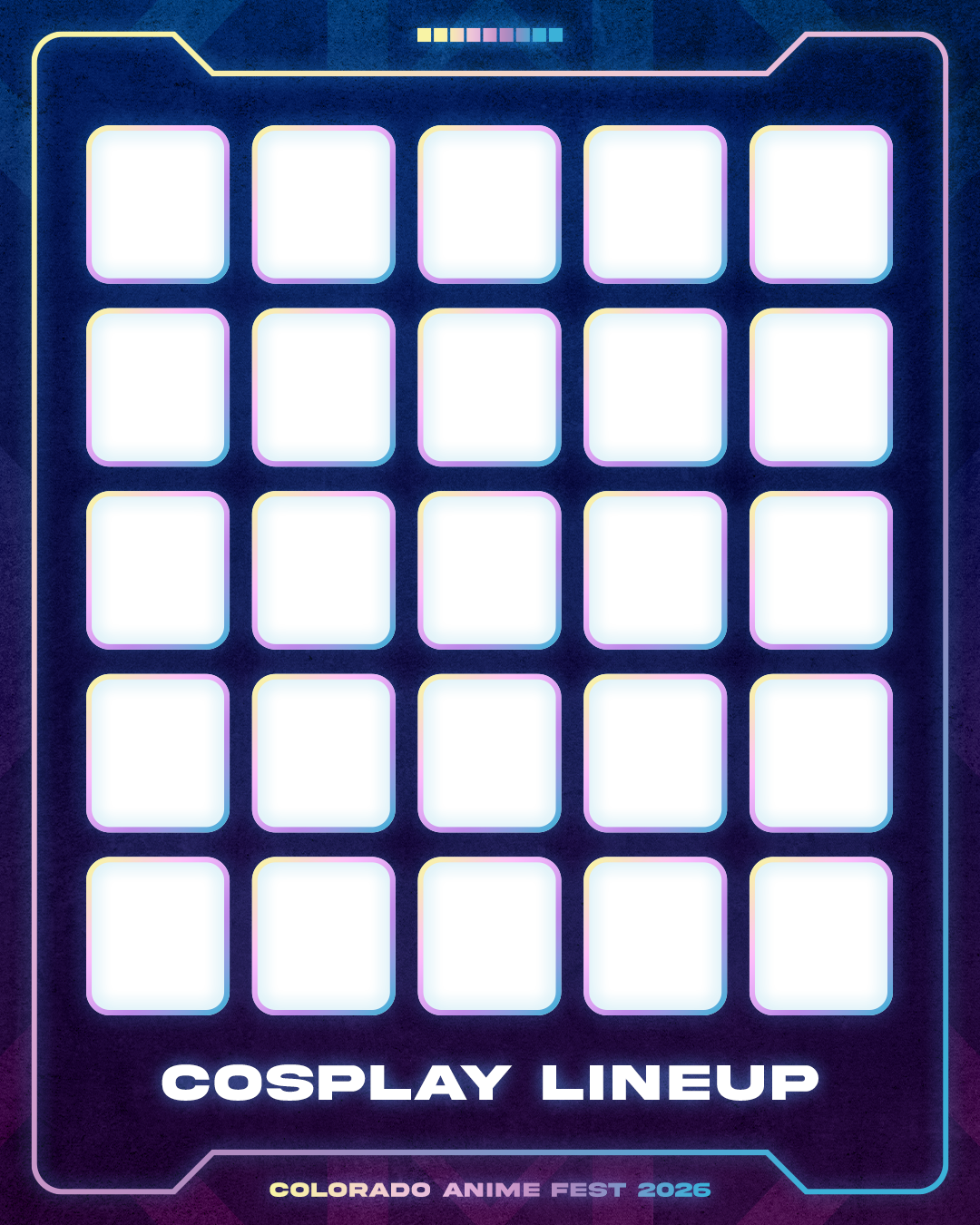
Simple how-to on using transparent layers
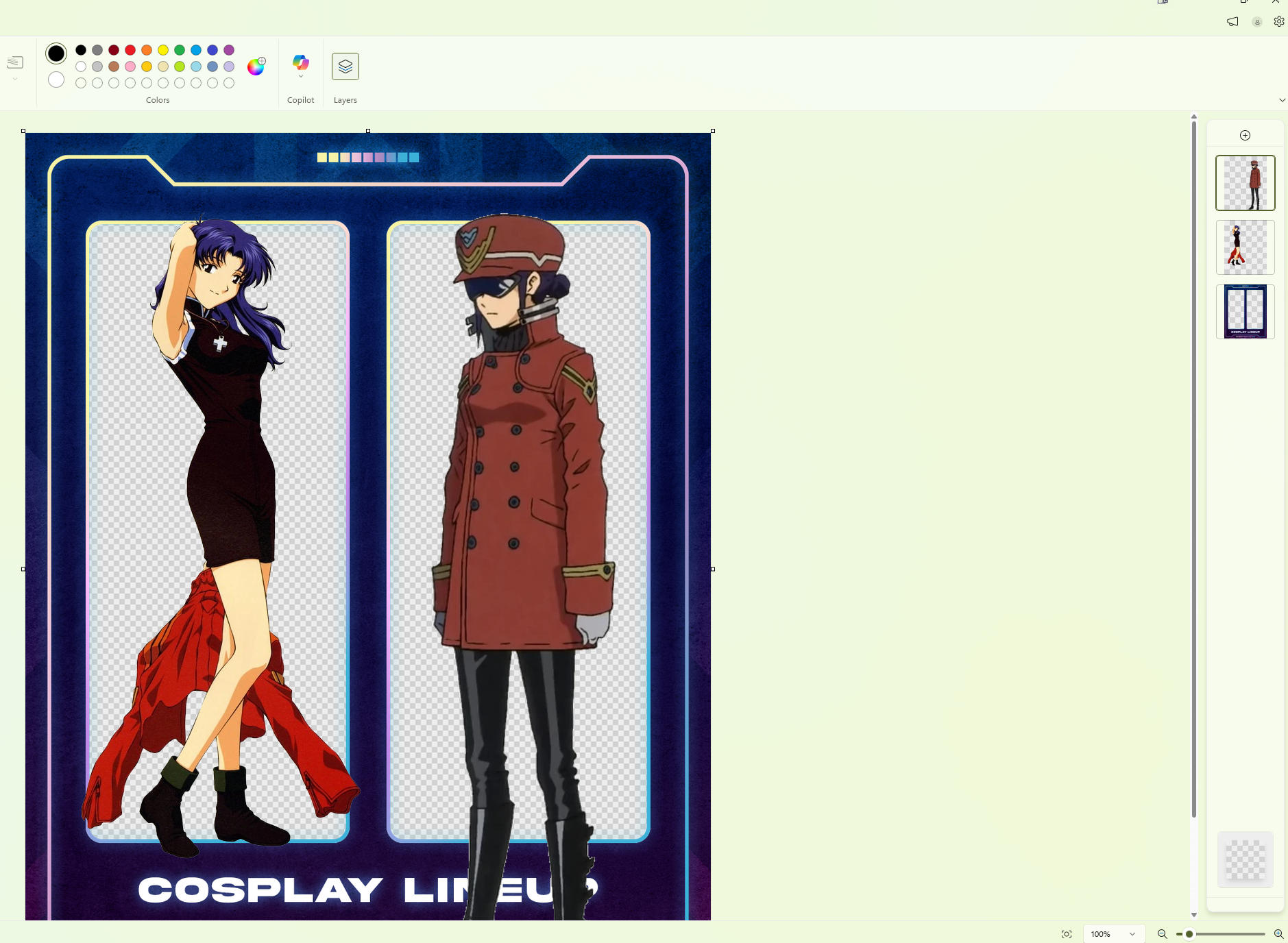
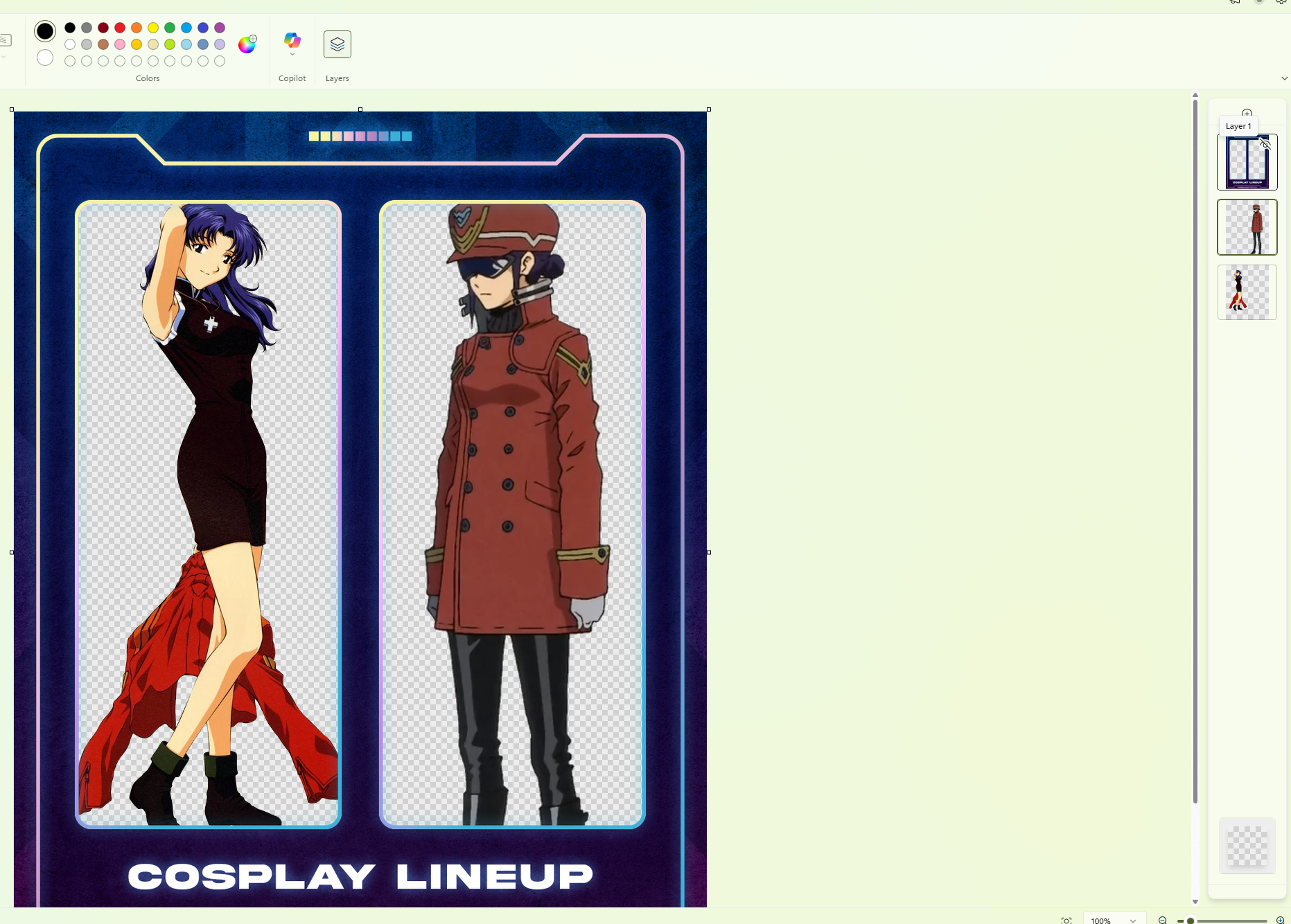
Example in MSPaint:
1. Open the file in Paint
2. Click “Layers” at the top
3. Click the Plus Sign for a New Layer for each one you need. Click on each new layer on the right and paste your image inside.
4. Place each image where you want it to be. Don’t worry about it overlapping!
5. Once done, drag the lineup frame to the top and it’ll be nicely cropped!
6. Save, and you’re done!